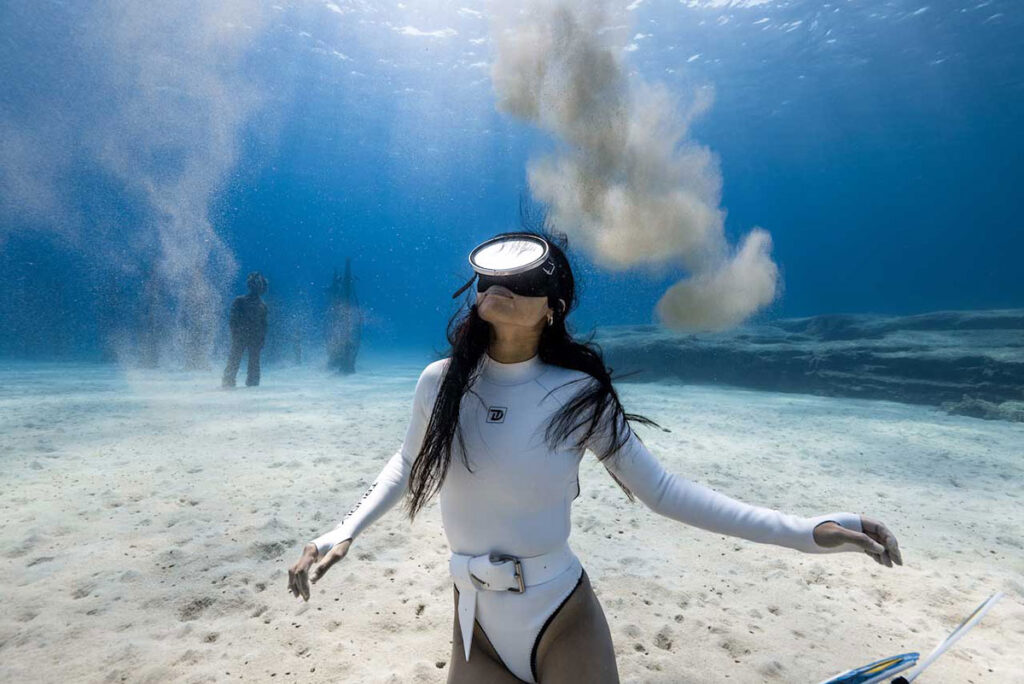
Creating stunning underwater content for Instagram doesn’t require expensive cameras. In this guide, I’ll show you how to shoot, edit, and post underwater content using just your iPhone — based on my own freediving and content creation workflow.
If you want to create underwater photos and videos for Instagram and TikTok that look professional using your iPhone, this guide breaks down shooting, editing, posting, and engagement strategies. It’s not just about filming pretty fish or dramatic deep dives — it’s about telling stories that connect with people. And if you’re planning to share those stories on Instagram or TikTok, you’ll want to understand how these platforms actually work.
Instagram vs TikTok: How Underwater Content Perform on Each Platform
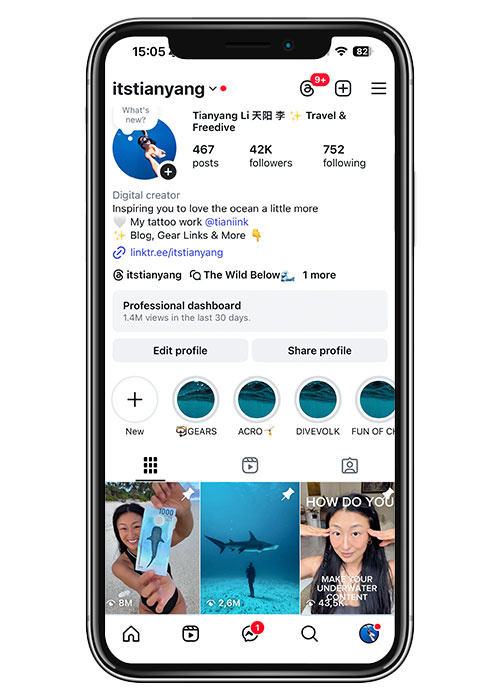
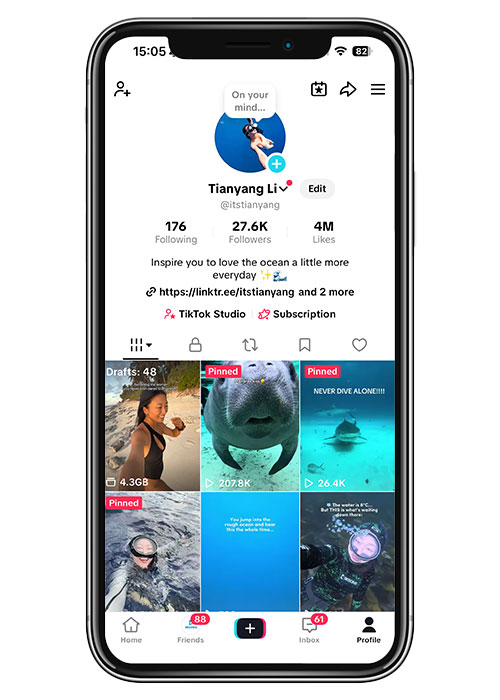
Instagram and TikTok are not the same.
On Instagram, people expect polished content — visually beautiful clips, storytelling, and sometimes even educational posts. The platform rewards “good content” that looks like effort went into it.
On TikTok, it’s almost the opposite. Relatable, casual, and authentic content often performs better than something that looks over-produced. People want to feel like they’re right there with you, not watching an ad.
So when you create underwater content, don’t stress too much about the platform first. Just focus on capturing diverse, usable footage — later you can edit and tailor it to whichever platform you’re posting on.
Storytelling Beats Expensive Gear
Here’s the truth: you don’t need a $5,000 camera setup to make content that resonates. What matters is the story you’re telling.
Yes, high-quality shots are nice. But a flawless 4K video of a reef won’t automatically connect with people unless it carries a story — maybe it’s a moment of curiosity, a funny encounter, or something inspiring.
So focus on the narrative. Is your clip entertaining, educational, or relatable? That’s what will make people watch until the end and hit share.
Best Camera Gear for Underwater content for Instagram
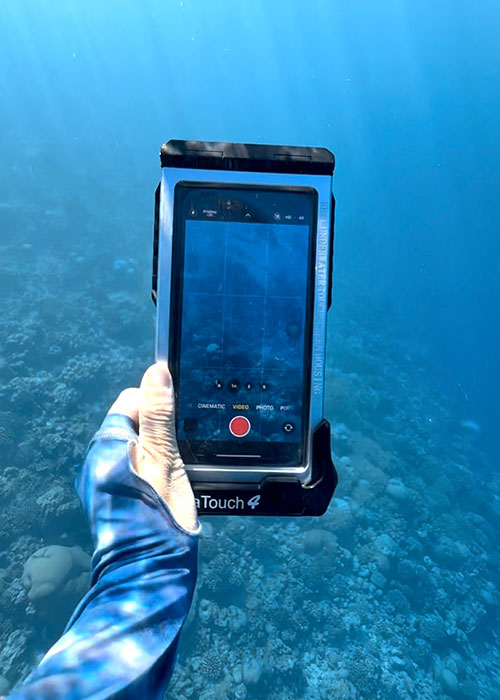
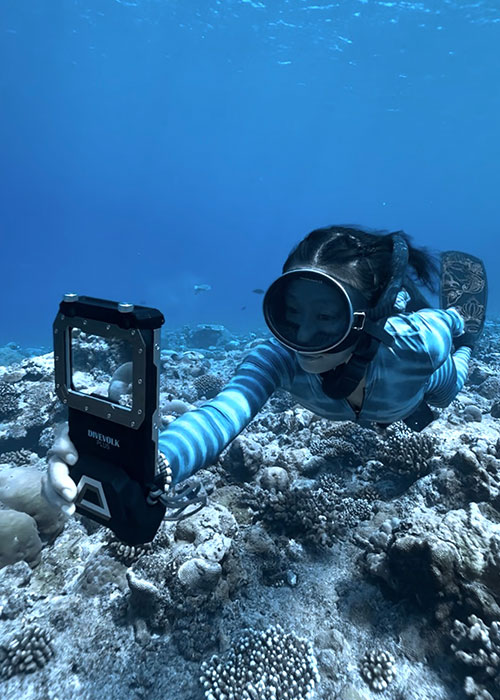
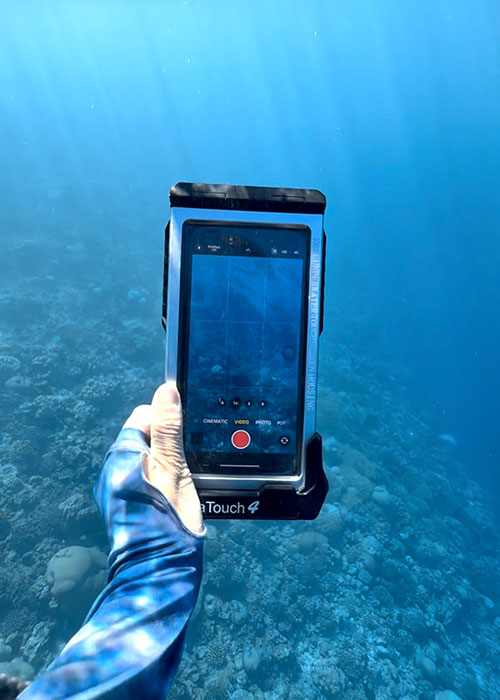
I shoot almost everything with my iPhone 16 Pro inside a DIVEVOLK housing. Believe it or not, I don’t use any special settings for my phone’s camera — I just film with the native camera app, set to 1080p at 60fps. There are a few reasons why I prefer this setup over action cams:
- Relatability – People are used to phone footage. It feels natural, familiar, and not as “detached” as some action camera clips, which often look sharper but less personal. Phone footage translates better for social media.
- Convenience – After a dive, I already have all the footage on my phone, ready to edit and upload. No file transfers, no extra gear.
- Quality trade-offs – That said, phones struggle in low light or murky water. Footage can turn greenish, and it’s hard to bring colors like red back in editing. That’s where an action cam like the Insta360 Ace Pro 2 shines. The colors are stunning straight out of the camera, and for freediving it’s lightweight and easy to handle. The Ace Pro is powered by an AI system that automatically corrects colors, so most of the time I don’t even feel the need to edit the footage.
If you’re looking for a reliable underwater housing that gives iPhone shooters stable and protected footage — especially for Instagram reels and underwater photography — here’s my honest hands-on review of the Divevolk SeaTouch 4 Max Plus:
👉 IPhone Underwater Housing – Divevolk SeaTouch 4 Max Plus Full Review
Planning to get one for your content creation? Don’t miss my exclusive deal 👉DIVEVOLK Discount Code (2026) Guide to save 6% and get free travel accessories.
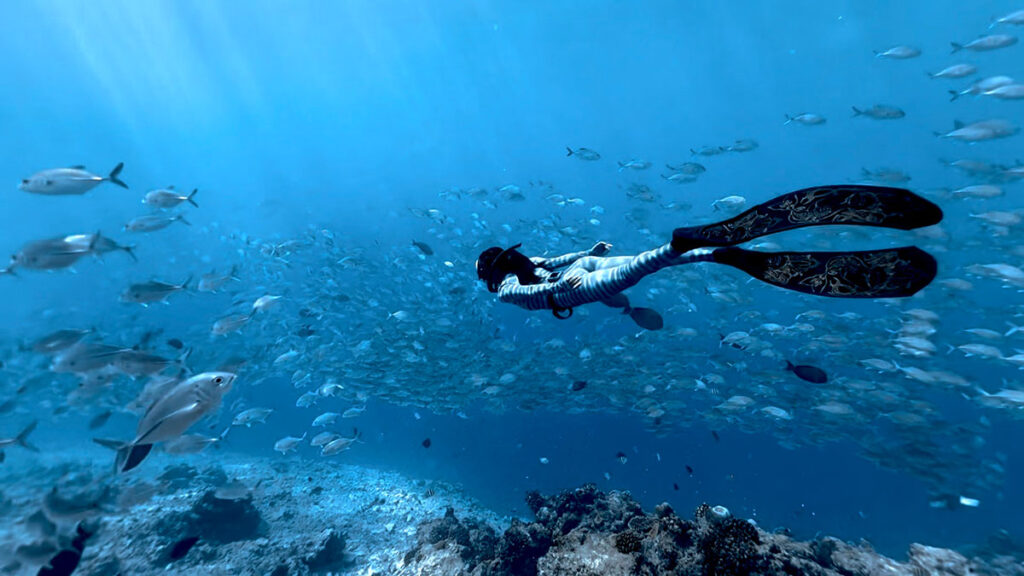
If you also scuba dive and want to push your content further, consider adding underwater lights or using both setups: a phone for everyday relatable shots and an action cam for trickier conditions. I’ve been using the DIVEVOLK case for almost three years now, and I’ve written a full review of this underwater phone case.[Click here to read the review]
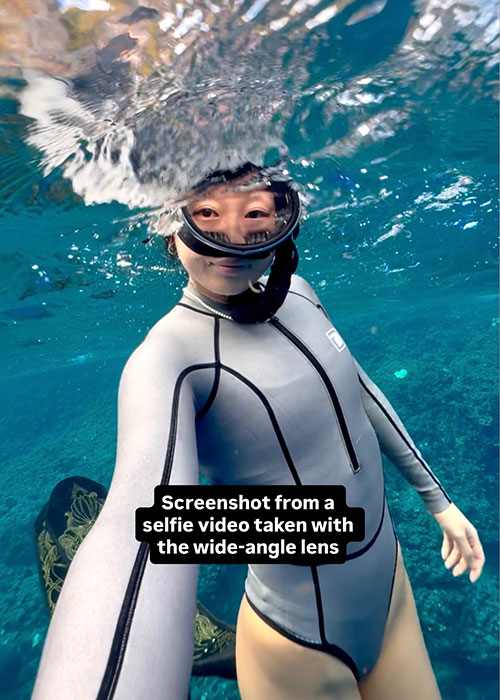
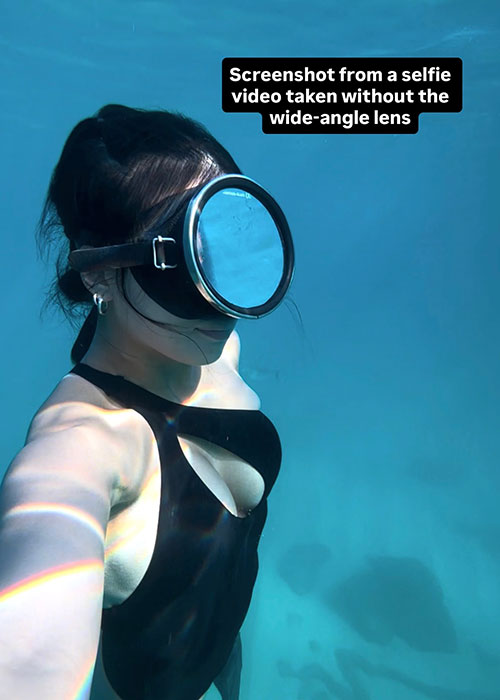
Personally, I like to use the wide-angle lens in addition to my DIVEVOLK housing, especially when I take selfie videos. This helps capture a wider view, so my face doesn’t look too big in the footage. Here’s an example of what I mean:
DIVEVOLK Discount Code:
👉 Use code DIVETIAN6 when ordering directly from DIVEVOLK for a 6% discount & an extra free protective cover.
For orders over $500, you’ll get a 6% discount & an extra free EVA box and an L-shaped bracket for your handle.
INSTA360 Discount Code:
👉 Use code INRZ3I9 on the Insta360 website for discounts and freebies.
What to Film for Underwater Photos and Videos on Instagram
If you want to master the basics of shooting great underwater photos with your iPhone before posting on Instagram, check out my full guide on how to take the best underwater photos with an iPhone here.
👉 How To Take Underwater Photos With An IPhone
Most of the time I film everything in portrait, holding my phone straight. That’s how most people use their phones and watch videos, so it just makes sense for social media. Landscape shots, on the other hand, are great for my website. So depending on the purpose of your content, decide which format works best.
Before diving, I sometimes jot down a quick list of shots I want to capture. Other times, I just wing it and film whatever feels interesting. Here are my go-to categories:
Above water:
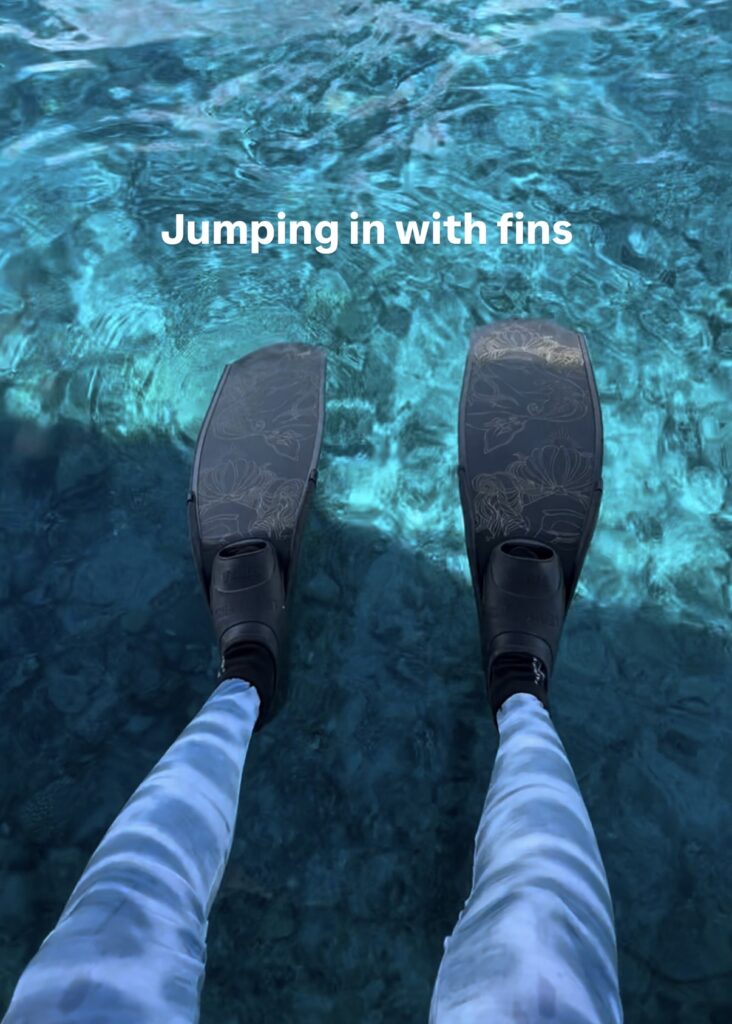
- Jumping in with fins
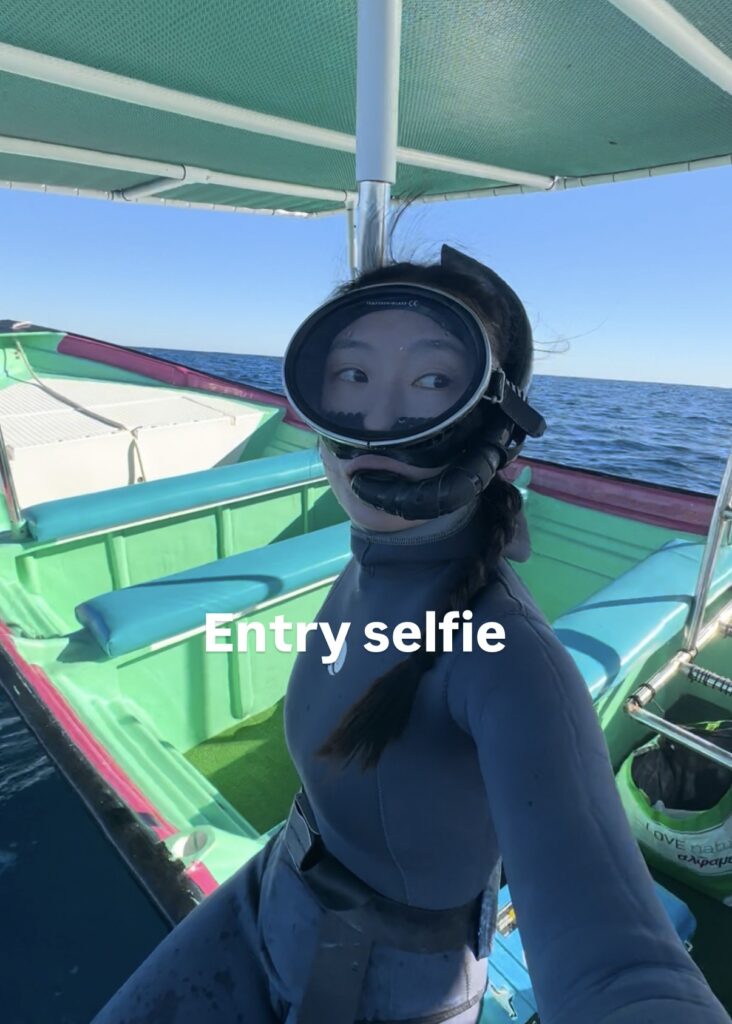
- Entry selfie
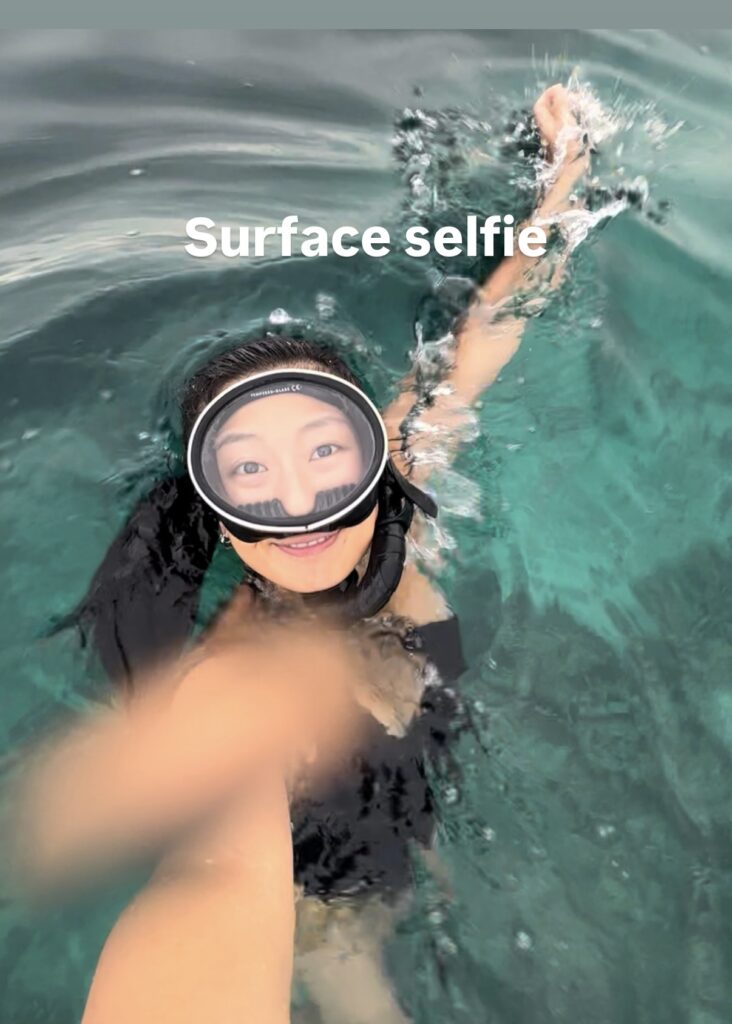
- Surface selfies or floating shots
Underwater:
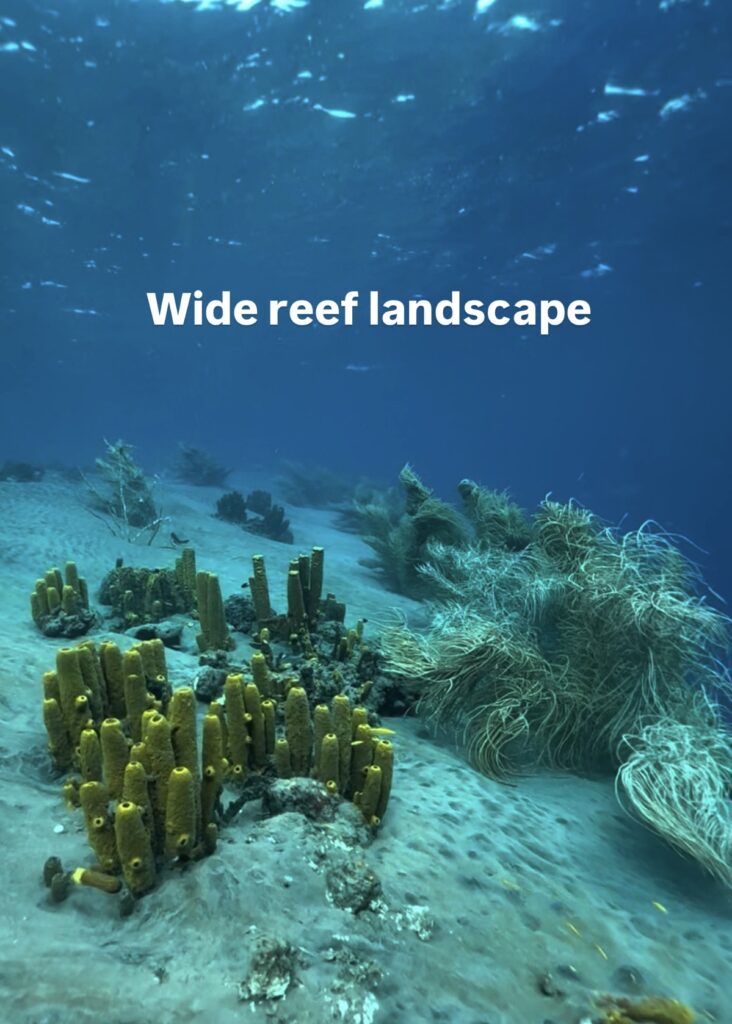
- Wide reef landscapes
- Close-ups of corals, fish, or marine animals
- “Mermaid” clips (full body, half body or close-ups)
- Freediving selfie clips
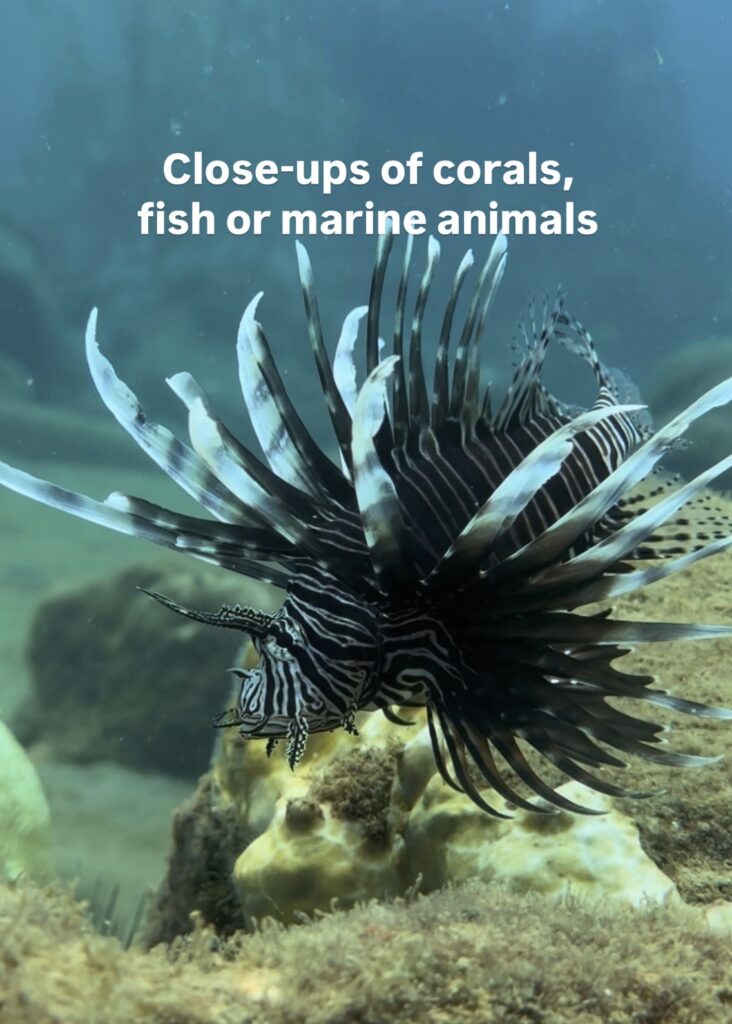
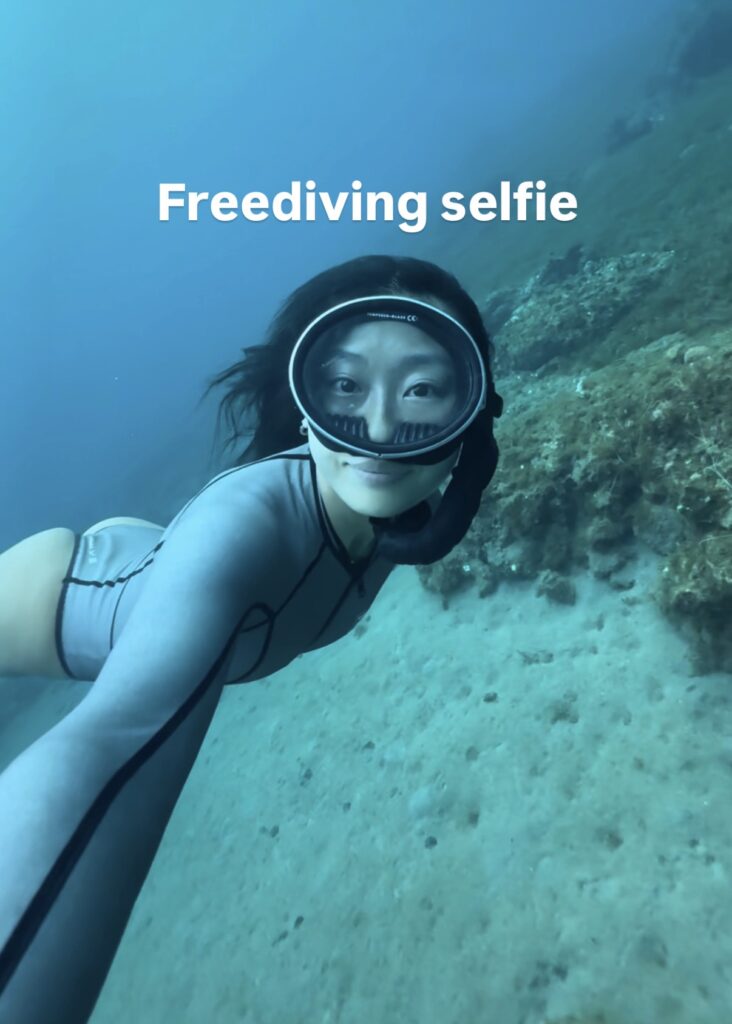
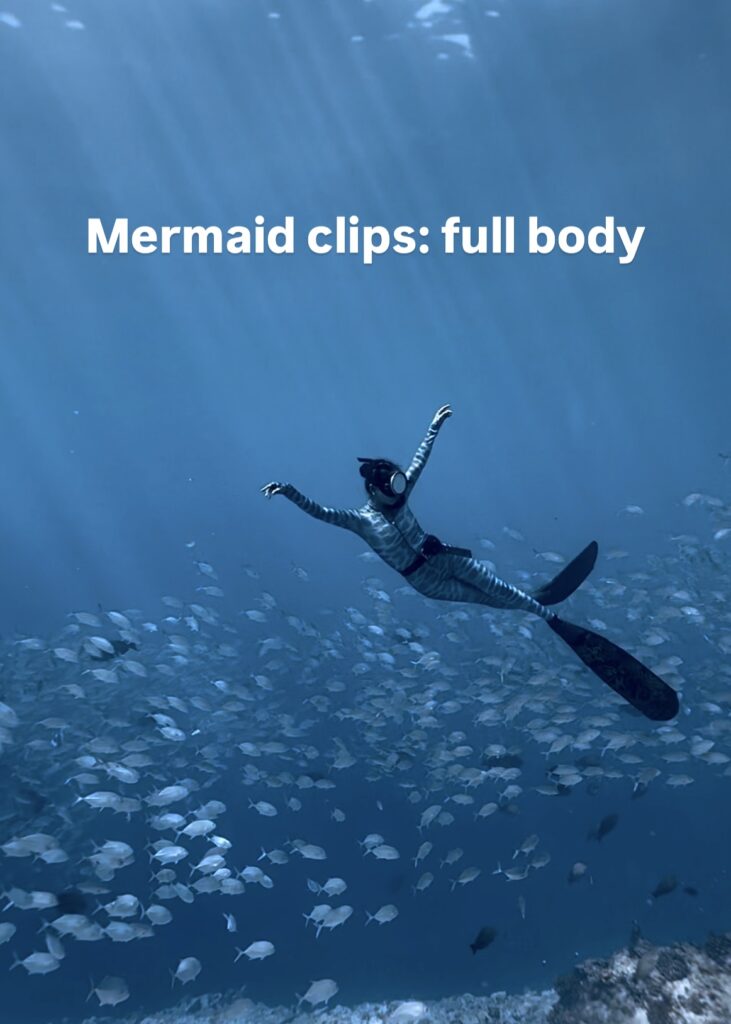
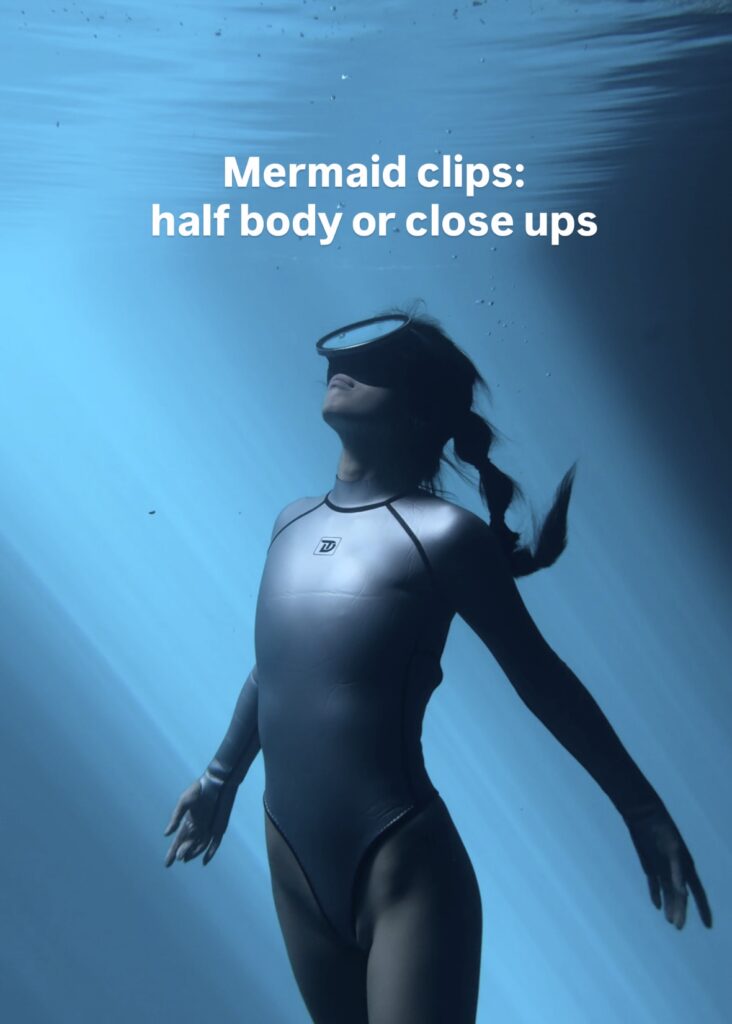
With a mix of these, you’ll always have content to edit. Some of my most-used clips are still from dives I filmed two years ago. Don’t underestimate how far one good library of footage can take you. Always spend some time on social media platforms too — watch how other creators and influencers film their videos. What angles are they using? What kind of shots do they repeat? Are they smiling into the camera, or doing certain movements toward it? Take notes and try implementing these ideas in your next content creation session.
Lighting and Timing Tips for Underwater Photos and Videos
Lighting can make or break your footage. Unless you’re doing a night dive, here are my personal rules:
- Best times: Early morning or late afternoon (after 4 p.m.). Midday sun is harsh and often blows out your footage.
- Cloudy or even rainy days: Perfect for soft, even lighting. Honestly, I prefer these conditions over a bright noon dive.
- Depth: Most of my content is filmed between 5–10 meters. At this range, you’ll keep more natural colors, avoid the heavy blue/green washout, and won’t exhaust yourself on every dive.
How to Pose for Underwater Photos and Videos
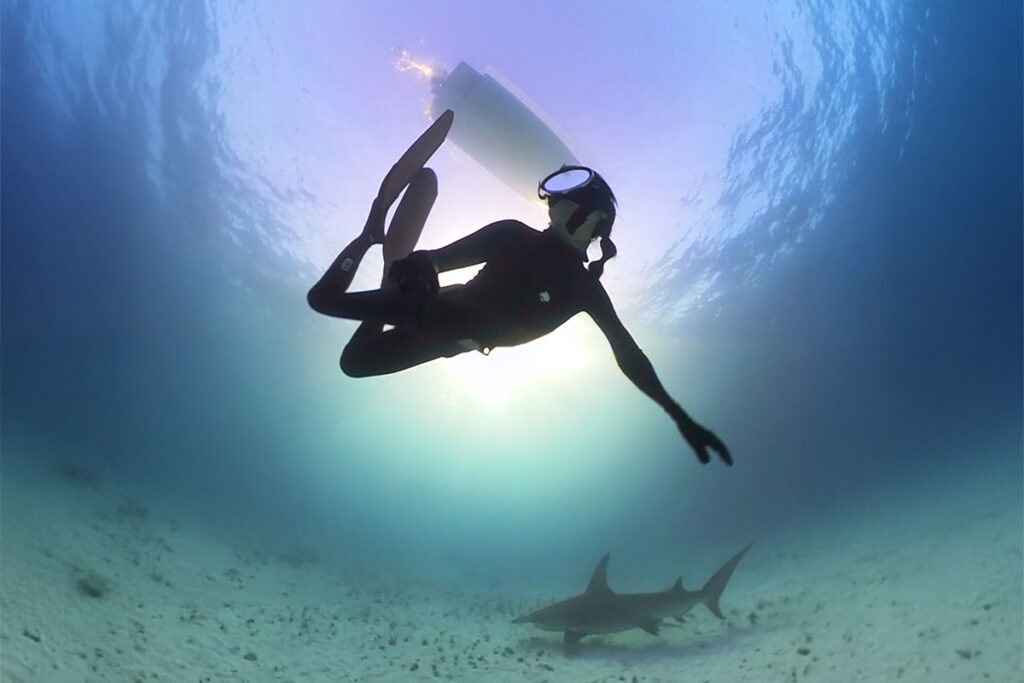
If you’re the underwater model, here’s my biggest tip: don’t overthink the posing — just move naturally.
Slow it down, almost like you’re moving in slow motion. This gives the camera operator time to follow your flow and predict your next move. Keep your legs straight while kicking, point your toes at all times, and you’ll instantly look more graceful on camera.
Imagine yourself as the most elegant mermaid in the ocean — and don’t forget to smile!
For the camera operator: keep the diver’s head in the center of the frame. As the model moves, follow along so the head remains centered. If you’re shooting the full body, tilt the camera slightly so that the feet touch the bottom edge of the frame. This creates a taller and more elegant body proportion on camera.
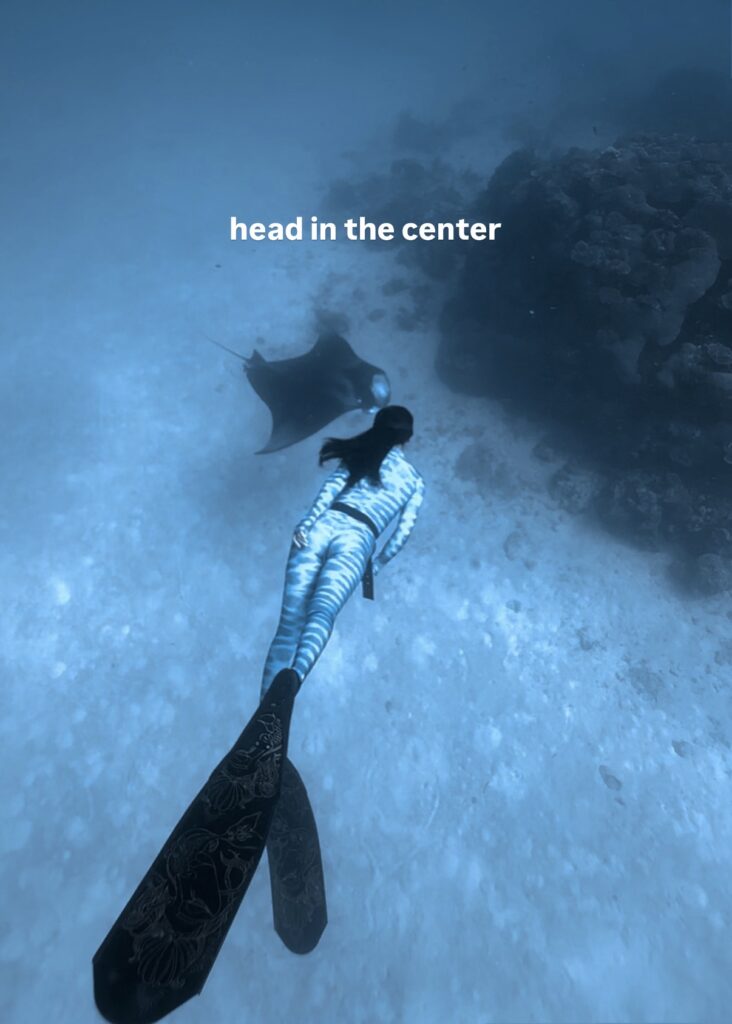
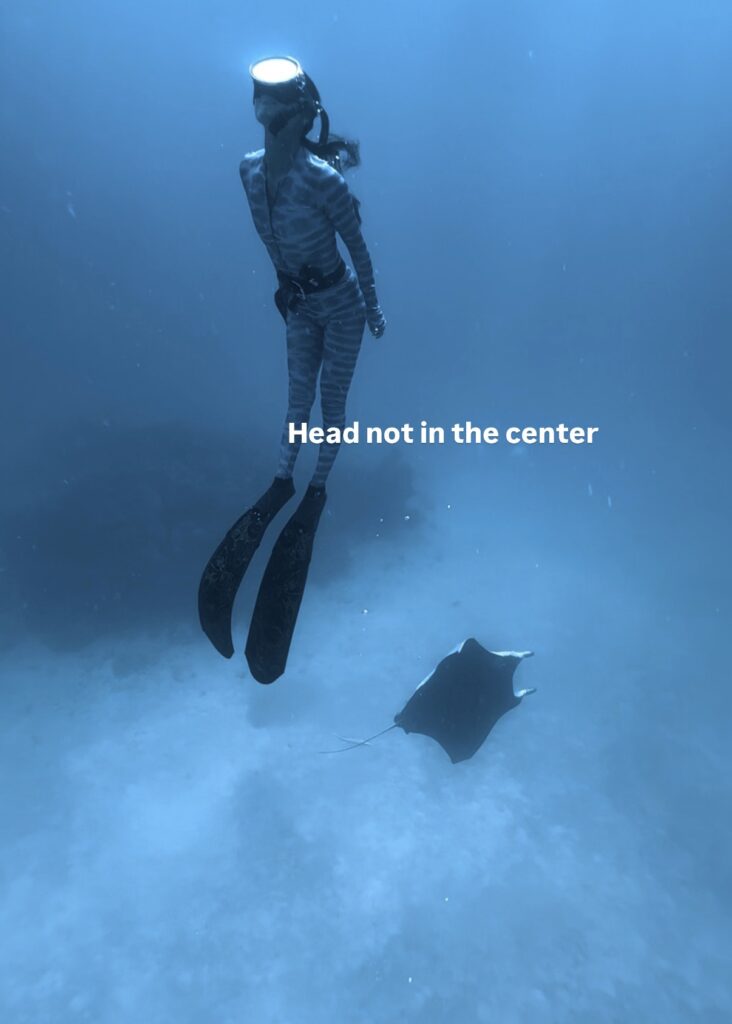
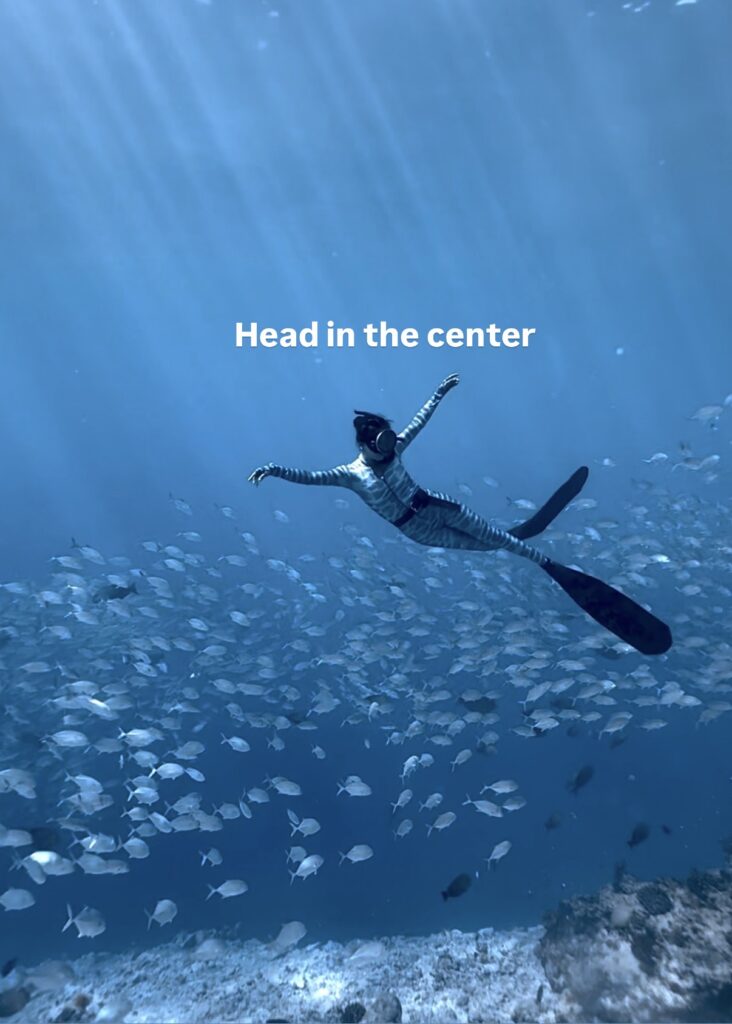
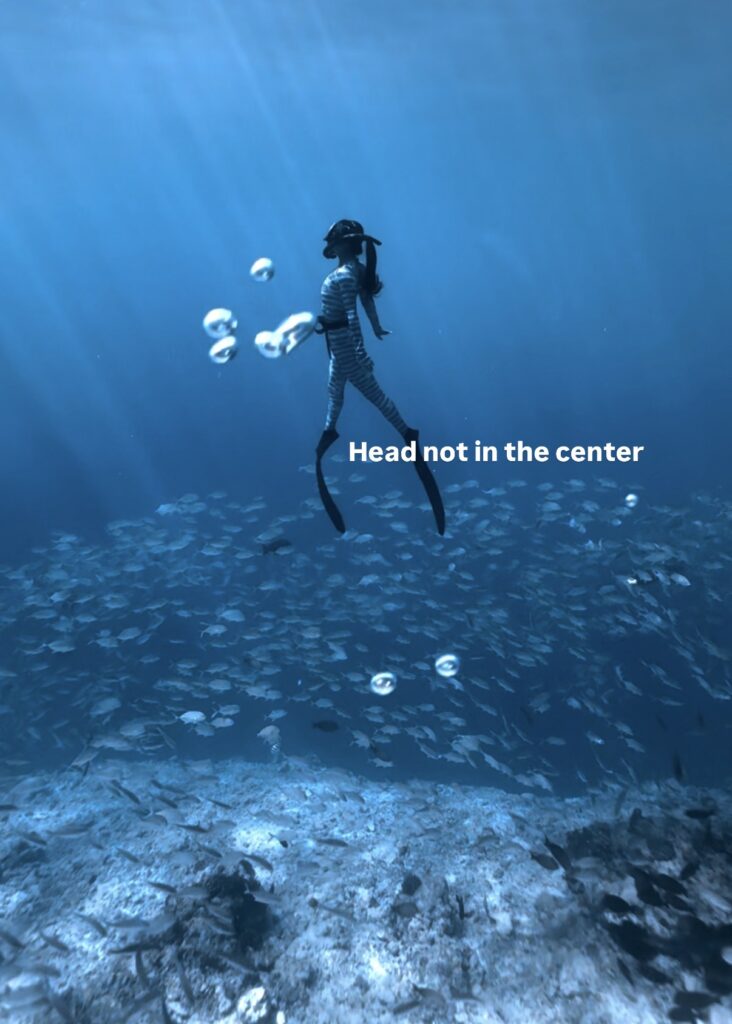
Trust me, this little framing trick makes a huge difference.
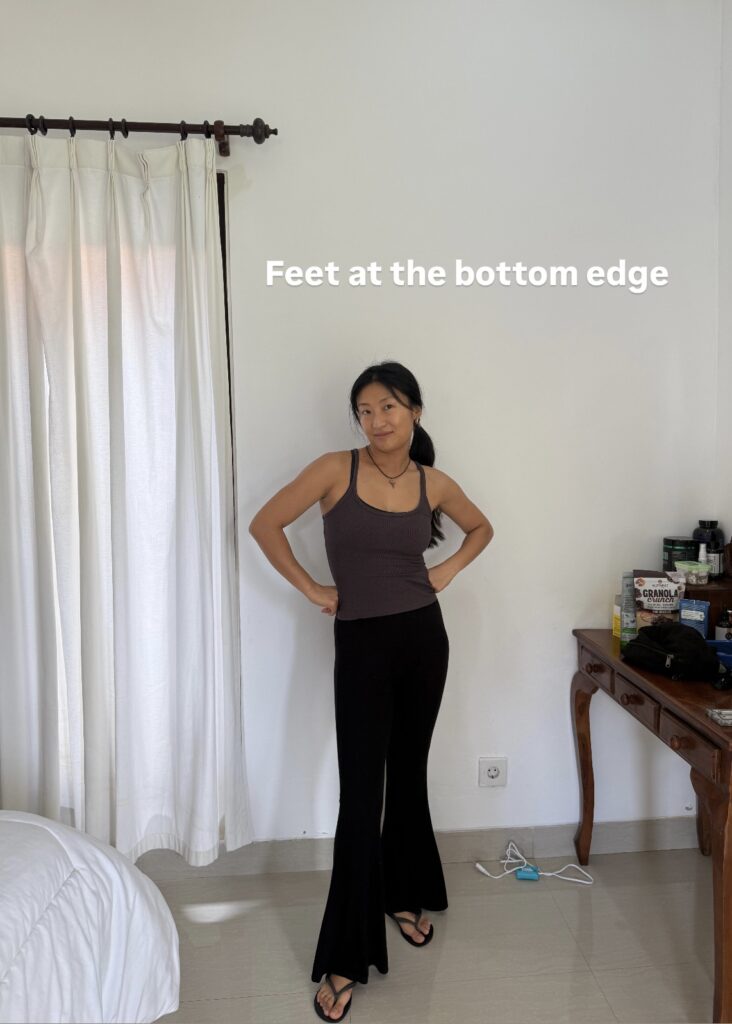
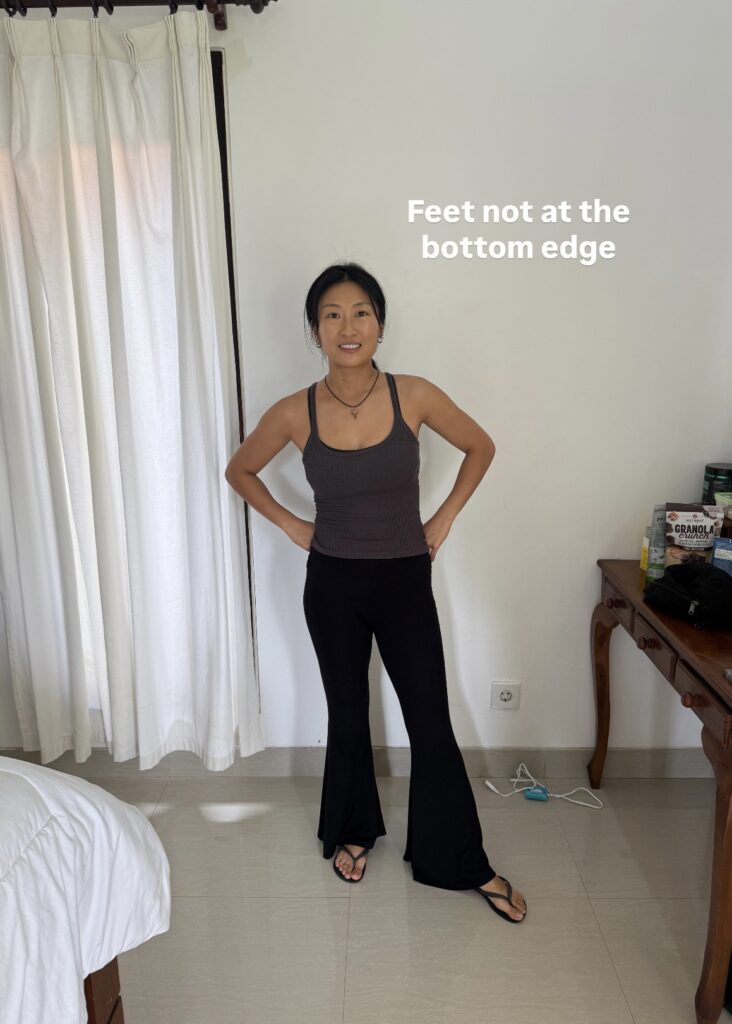
Try filming from different angles, and position both you and the model in various spots to create a wide variety of shots. The goal is to have as much diversity as possible in your footage — this gives you way more flexibility later when editing your content.
How to Edit and Color Grade Underwater Photos and Videos For Instagram
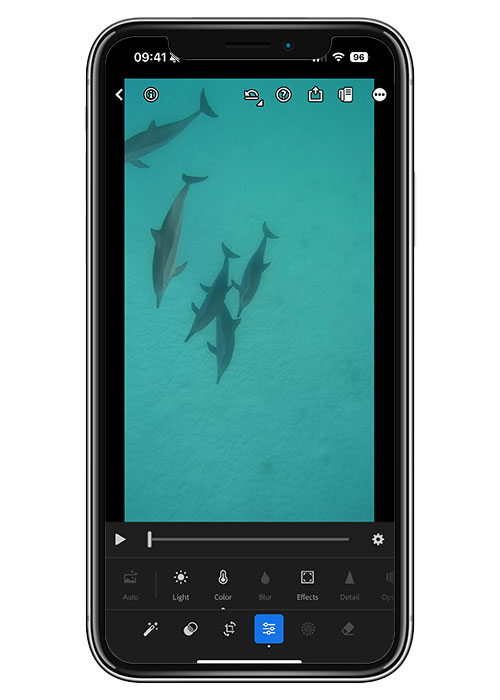
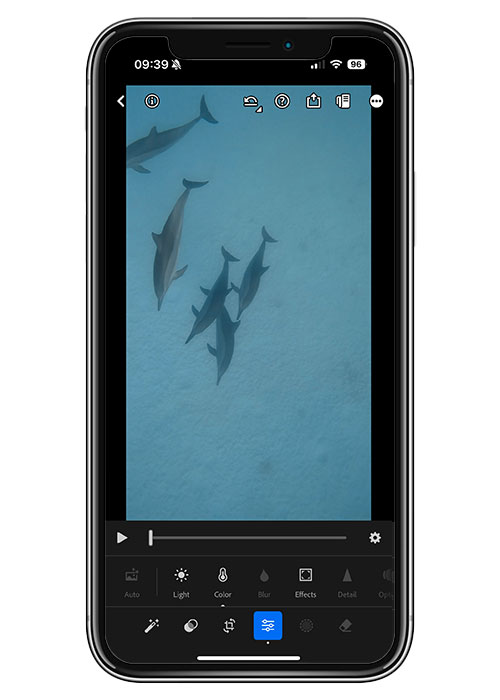
iPhone footage often needs some color correction. My go-to app is Lightroom Mobile — it delivers much better results than CapCut when it comes to adjusting colors. I’m not a pro at underwater photography color grading; I usually spend just 1–2 minutes on each video. Yet, many people have complimented my clips and even asked if I do heavy grading. The truth is, you don’t need to go overboard — even small tweaks can bring your footage back to life, and that’s totally enough for creating underwater content for social media.Check out this reel where I show exactly how I edit my videos.
To dive deeper into editing workflows, color grading, and exporting underwater videos on iPhone for Instagram and TikTok, see my full step-by-step guide here:
👉 How To Edit Underwater Videos On IPhone – From Color Grading To Final Export
My Tips For you
These are the tips that have worked for me after years of trial, error, and countless dives. Whether you’re shooting with a phone, an action cam, or even a professional camera, the most important thing in creating underwater content isn’t the gear — it’s the story you’re telling. The best thing is just to get in the water and do it — don’t overthink. As you dive more, film more, and post more, you’ll naturally build your own content system that works best for you. And even today, I’m still learning every single day, discovering new ways to create my content. Social media is always changing, so if you’re wondering how to create underwater content for Instagram and TikTok, remember there’s no strict “right” or “wrong” way of doing it. As long as you feel comfortable, enjoy what you do, and keep experimenting, that’s what truly matters.
Now that you understand how to create underwater photos and videos for Instagram, you might find these additional guides helpful:
- 👉How To Take Underwater Photos With IPhone (2026 Pro Guide)
- 👉How To Edit Underwater Videos On IPhone: Pro Color Grading In 5 Mins
- 👉Best underwater phone case reviewed
Exclusive DIVEVOLK Discount Code & Freebies On Freedive The World Readers
I’ve been using the DIVEVOLK SeaTouch 4 Max Plus for over 3 years across freediving, snorkeling, and underwater filming all over the world. Because of this long-term partnership, DIVEVOLK gave me a private discount code that isn’t publicly available.
I have created a dedicated page with all the details on how to claim your gifts: DIVEVOLK Discount Code (2026) – Get 6% OFF + Free Gifts
However, if you are ready to order now through through my personal DIVEVOLK link and use the code DIVETIAN6, you’ll get:
- 6% off your entire order
- A free Protective Cover (perfect for flights and dive trips)
And if your order is over $500, you’ll also receive:
These are the same accessories I use on my own rig, and they’re extremely useful for travel and stability underwater.
👉 Use code: DIVETIAN6 at checkout
👉 Order directly from DIVEVOLK here
The extra freebies won’t show on the checkout page, but they will be automatically added to your order by DIVEVOLK.